This page describes how I added a plugin to my website.
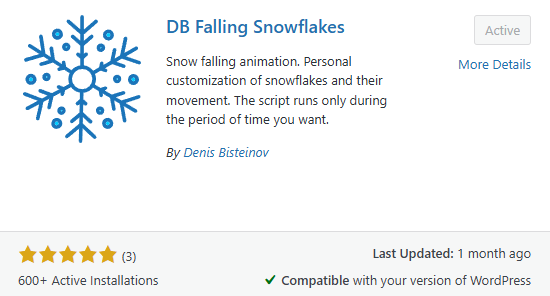
Plugin functionality. The plugin adds a falling snowflakes effect to the webpage.
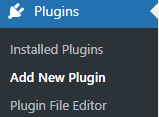
Plugin installation and activation. I had planned to use falling snowflakes in advance. To download a plugin that matched my idea, I went to the “Add Plugins” tab and searched for “snowflakes” to find a suitable plugin for my plan.

I found the DB Falling Snowflakes plugin, downloaded it, and activated it, after which the plugin worked on my page.